White Label Ticketing for Your Brand
Sell tickets on your own domain, under your own logo, colors and wording — so the event, the checkout and the confirmation email all look like they came from you.
What is white label ticketing?
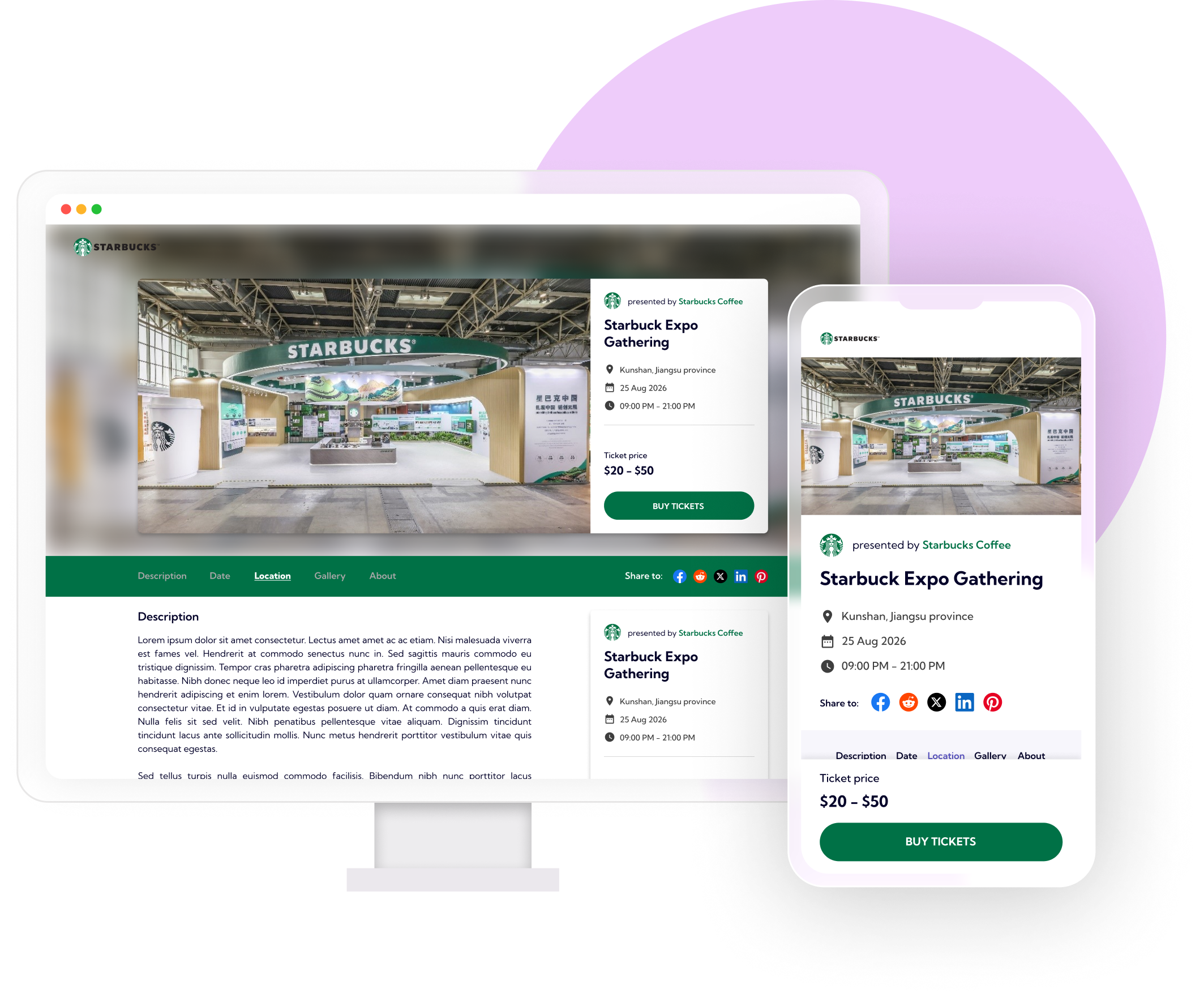
White label ticketing is ticketing sold under your brand instead of the ticketing company's. The software is still ours; the name, domain, logo, colors and wording your attendees see are yours. Buyers go to your web address, see your event page, pay through your checkout and get a confirmation email that carries your branding — not an invitation to browse someone else's marketplace.
Ticket Spot does this in two stages. Custom branding, from Business, puts your logo and colors on tickets, emails and event pages. Full white-label mode, from Business+, adds your own domain, your own ticket and email labels, and removes Ticket Spot branding from the emails your attendees receive.
What you can white label
- Your logo and brand colors on tickets, emails and event pages
- Your own domain for both your event site and individual event pages
- Ticket Spot branding removed from the emails your attendees receive
- Your own wording on tickets and emails, not our default labels
- Checkout page layout and labels set to your own terminology
- Fonts, colors and a choice of desktop, mobile and time-slot event layouts
Your own domain, end to end
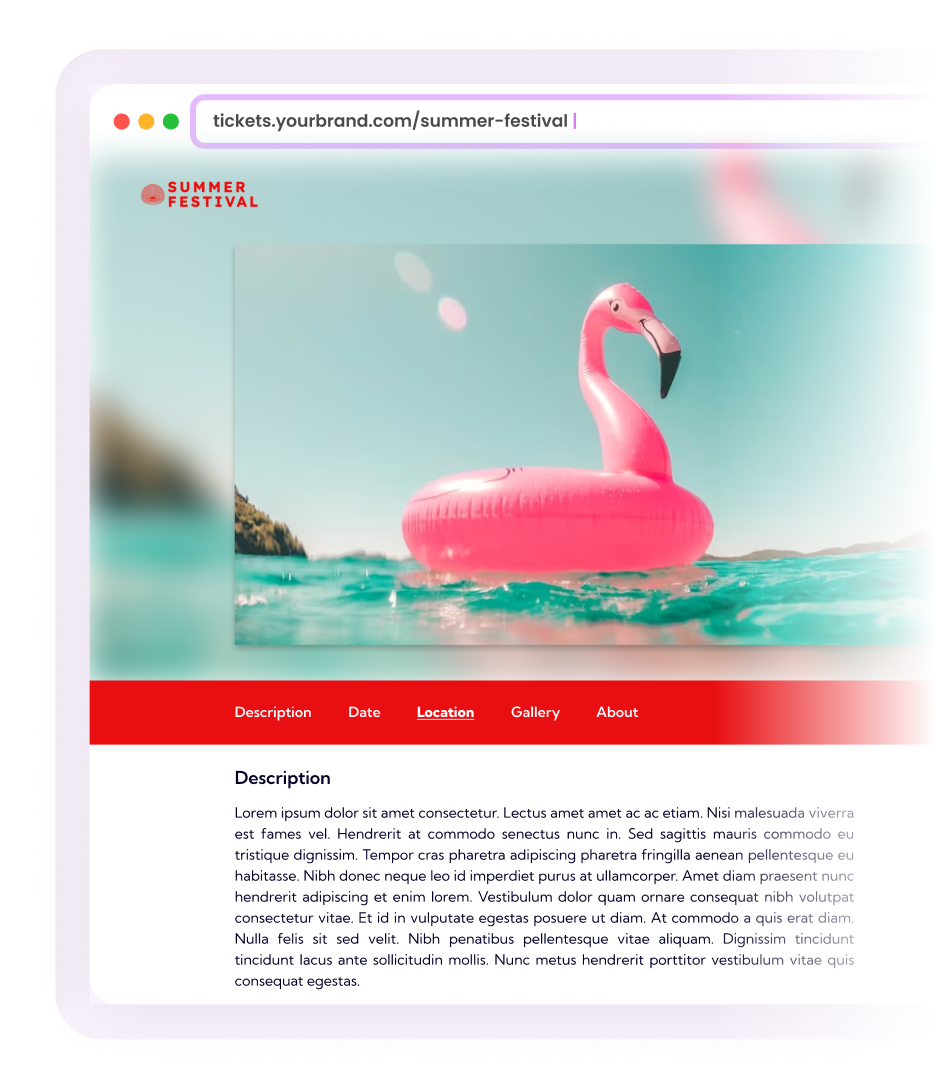
- Connect a domain you already own, so buyers never leave your web address
- Put the organizer dashboard on your domain too, so your team logs in under your brand
- Give each event a custom URL instead of a generated one
- No Ticket Spot footer on your event pages once white-label mode is on
How white label ticketing differs from a standard branded platform
| What the buyer sees | Standard branded platform | White label |
|---|---|---|
| Web address | The ticketing company's domain | A domain you own |
| Event page | Their template, their logo, your event inside it | Your logo, colors and layout |
| Confirmation email | Sent under the platform's name | Your logo, colors and wording |
| Ticket wording | The platform's standard labels | Labels you write |
| Who the buyer thinks they bought from | The ticketing company | You |
Who white label ticketing is for
- Venues and multi-location operators who want one branded front door for every room, stage or site
- Universities, cities and tourism boards hosting events on behalf of many organizers
- Agencies and resellers running ticketing for clients under their own name
- Festivals and promoters whose brand is the product, and who do not want to share the page with a ticketing company
- Membership organizations selling to an audience that already knows them
If you are hosting events on behalf of other organizers rather than only your own, the multi-organizer marketplace runs on the same branding: one front door under your name, many hosts behind it.
How it works
1. Point your domain at Ticket Spot
Connect a domain you own. Your event site, your event pages and — if you want it — the dashboard your team works in all answer on it.
2. Add your logo and colors
Upload your logo and set your brand colors once. They carry through to tickets, emails and every event page.
3. Choose layouts and wording
Pick desktop, mobile and time-slot layouts, tune fonts and colors, and replace our default checkout and ticket labels with your own.
4. Turn on full white-label mode
Ticket Spot branding comes off the emails and the event page footer. From there, what your attendees see is your brand.
Which plans include white labeling
White labeling is not on every plan, and it arrives in two steps. Business adds your logo and colors to tickets, emails and pages. Business+ adds full white-label mode: custom domains for your event site, your event pages and your dashboard, your own ticket and email labels, and Ticket Spot branding removed from attendee emails.
White labeling does not change how you are charged: every paid plan is flat monthly pricing, and you keep 100% of your ticket revenue with no percentage fees. How the money actually reaches you is set up separately — see payment processing. You can also design the tickets themselves to match everything else.
Frequently asked questions
White label ticketing means selling tickets under your own brand instead of a ticketing company's. On Business+ and above, full white-label mode removes Ticket Spot branding from your emails and lets you set your own ticket and email labels. Your attendees see your logo, colors, domain and templates throughout.
Business adds your logo and colors to tickets, emails and pages, so the pages look like yours. Business+ goes further: it removes Ticket Spot branding from emails, lets you write your own ticket and email labels, and connects your own domain — so there is no visible ticketing company at all.
Yes, on Business+ and above. Connect your custom domain so event pages, checkout and your event site all appear under your own URL. The same tier lets you put the organizer dashboard on a domain of yours.
Yes, on Business+ and above. This is separate from your public event domain, so the team running your events logs in under your brand as well.
With full white-label mode on, from Business+ up, the Ticket Spot footer is removed from your event pages and Ticket Spot branding is removed from the emails your attendees receive. Below that tier the pages carry your logo and colors but still identify Ticket Spot as the ticketing platform.
Desktop, mobile and time-slot event layouts are all available from Professional up, and each is customizable with your branding.
No, it arrives in two steps. Business adds your logo and colors to tickets, emails and pages. Business+ adds full white-label mode, custom ticket and email labels, removal of Ticket Spot branding from emails, and custom domains.
Your logo and colors apply to emails from Business up. Business+ adds custom ticket and email labels and removes Ticket Spot branding from the emails entirely.