Ticket Tailor Alternative: Costs & Features
Compare costs, event workflows and selling on your own website before you choose.
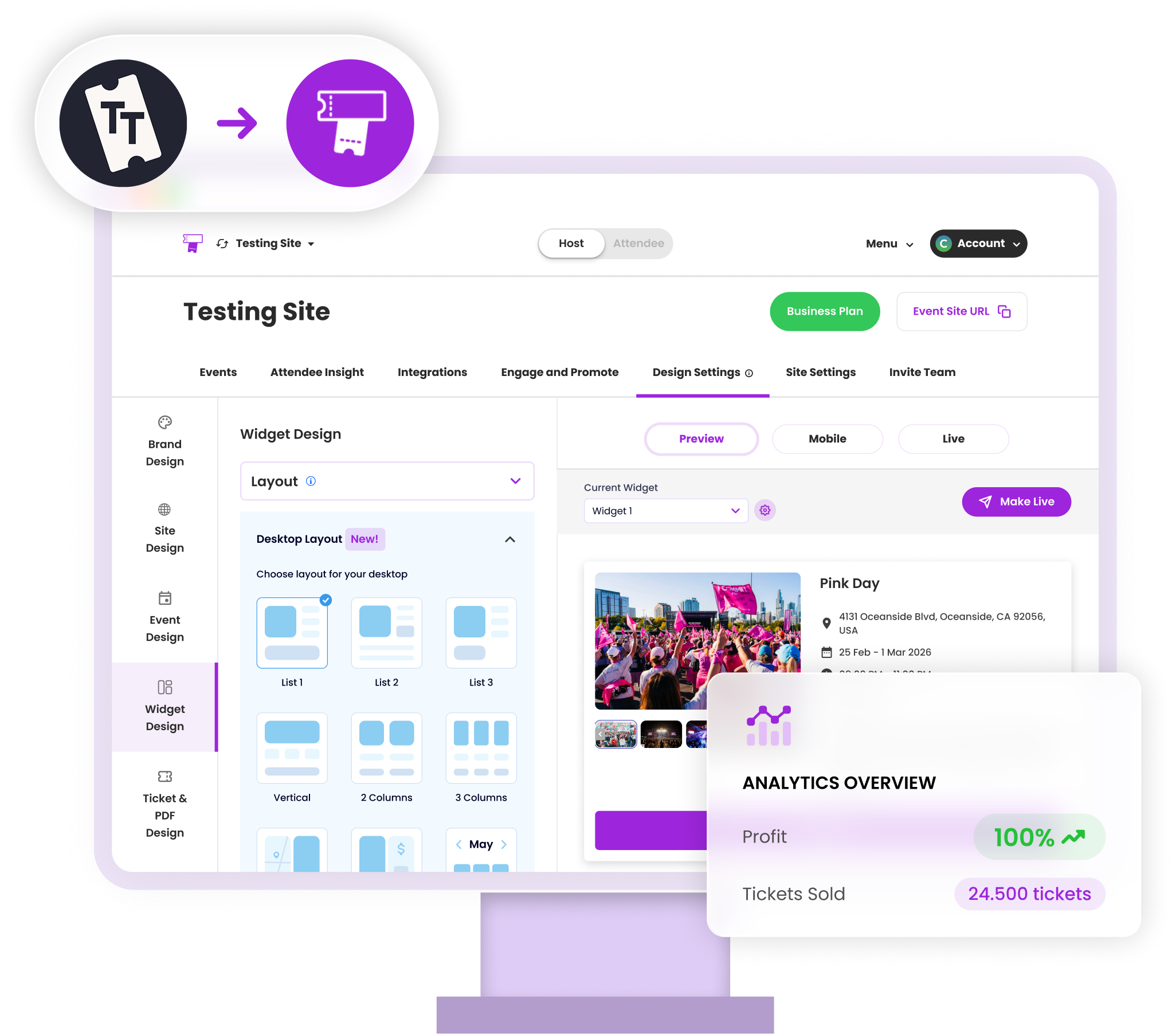
Ticket Tailor offers a usage-based model that can suit occasional events. Ticket Spot offers subscriptions with included capacity and optional packs, alongside native Shopify and Wix apps. Compare the whole cost at your actual volume.
Ticket Tailor pricing and features
Prepaid credits or pay as you go; processor fees are separate. Seat reservations use an extra credit. Ticket Tailor supports time slots, reserved seating and attendee emails. Its pricing calculator lets you select a currency.
Vendor information checked 25 October 2026. Read Ticket Tailor's current pricing; rates and availability can vary by region or agreement.
Compare monthly ticketing costs
Choose a small event within the included allowance. All figures are USD. Per-ticket charges are rounded to cents. These are ticketing charges, before payment processing, taxes and optional add-ons.
| Platform | Ticketing cost |
|---|---|
| Ticket Spot Professional | $29.99 subscription; no extra capacity needed |
Professional includes 500 attendees and 0 reserved seats per month. Reserved seats and attendee capacity are separate allowances. Higher usage can require a plan upgrade, ticket packs and/or Reserved Seating Packs. Annual billing differs.
Payment processing is additional on every platform. Eventbrite lists 2.9% of the total order in the US; TicketSpice lists 2.9% + 30¢ with its standard processor. Ticket Spot uses your connected processor's rates. Shopify merchants also pay Shopify subscription and applicable transaction fees. Plans are not feature-matched, and this is not a total checkout quote.
Ticket Tailor charges by usage and currency, with an additional credit for a reserved seat. Get a quote in your billing currency from its calculator before comparing it with Ticket Spot's USD subscription.
See all plan allowances and capacity pack prices →Build ticket sales around your own website
Ticket Spot connects to Shopify ticketing, Wix and WordPress. Set up ticket types, deliver QR tickets and check attendees in against a live guest list. Interactive seating starts on Business; full white-label mode starts on Business+. Check the allowances before choosing a plan.
Explore the setup for festivals and concerts, reserved seating, or attractions and tours. For a switch, first recreate one event and test a purchase and scan. Confirm existing attendee imports, refunds and any old ticket barcodes with support before moving a live event.
Choose by booking workflow, not a feature count
| Your requirement | What to compare |
|---|---|
| Occasional events | Compare pay-as-you-go or prepaid credits with a full month of subscription costs. Include quiet months and any unused credits. |
| Shopify checkout | Ticket Spot creates Shopify products and variants. Test tickets alongside your other products, the resulting Shopify order and ticket delivery. |
| Timed admission | Both offer time-slot booking. Test the calendar, capacity per window, a sold-out slot and the date and time on the ticket. |
| Reserved seats | Ticket Tailor uses an extra credit per reserved seat. Ticket Spot seating starts on Business, with a separate reserved-seat allowance. |
| Attendee questions | Check whether answers belong to the order or each attendee. Test two people with different answers and review the resulting records. |
Ticket Tailor’s published features include time slots, seating and checkout questions. These are not reasons on their own to switch.
Try one event before moving live sales
Start with your actual schedule and ticket types. For an attraction, follow the timed-entry setup; for a store, test the Shopify booking flow. Check the selected date, attendee details and QR ticket after a purchase.
If you already have bookings, use the Ticket Tailor switching checklist. Confirm imports, refunds, seat allocations and existing barcodes with support before replacing the booking link. A cheaper quote alone is not a migration plan.
See a real Shopify class-booking workflow
Flock Fiber Festival uses Ticket Spot for 80+ classes, keeping purchases in Shopify and managing class sales and waitlists together. Before Ticket Spot, its team handled rosters and waitlists manually alongside Shopify products.
Read Taylor Huber’s customer story for the organizer’s experience, or explore the class-booking workflow.
Frequently asked questions
Ticket Tailor offers pay-as-you-go usage or prepaid credits. Reserved seats consume an additional credit. Processor charges are separate; use the vendor calculator for your currency and volume.
Yes. Ticket Tailor offers time slots and reserved seating. Compare the booking workflow and total cost for your own event.
Payment processing is separate. Monthly plans include attendee and reserved-seat allowances; higher usage can need extra ticket packs, Reserved Seating Packs or a plan upgrade. Paid tickets start on Professional, seating on Business. The Free plan is for small free events.
Yes. Ticket Spot creates event products in Shopify and delivers tickets after a paid order. Use the standard variant picker for simple tickets, or the optional Ticket Selector for seats and more detailed bookings. Shopify billing and payment fees still apply.