Sell event tickets with Square and Ticket Spot
Choose tickets in Ticket Spot POS, take card payment in Square, then deliver QR tickets. Keep walk-up sales connected to your event inventory and attendees.
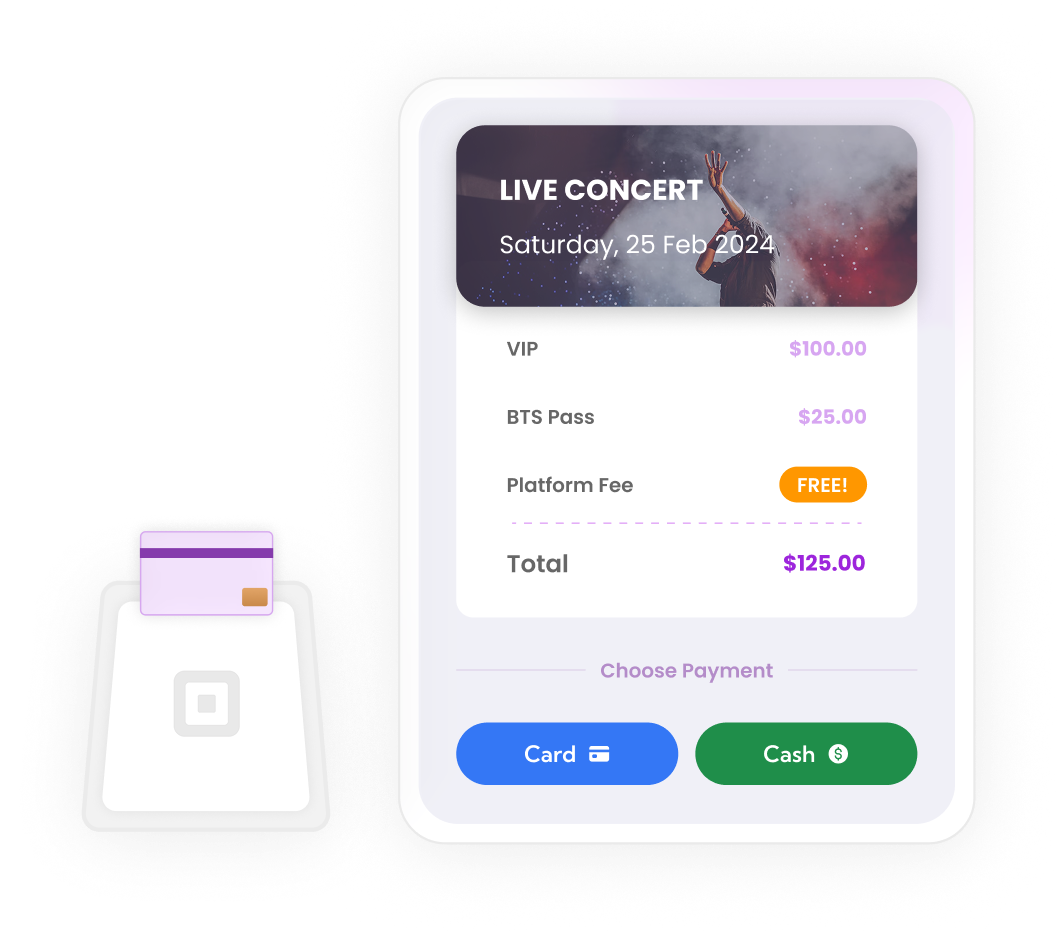
Sell tickets at your venue entrance
- Select the event and ticket quantities in Ticket Spot POS
- Hand card payments to Square POS and return to Ticket Spot
- Complete cash sales through the Cash Payment option
- Confirm the completed order before delivering tickets
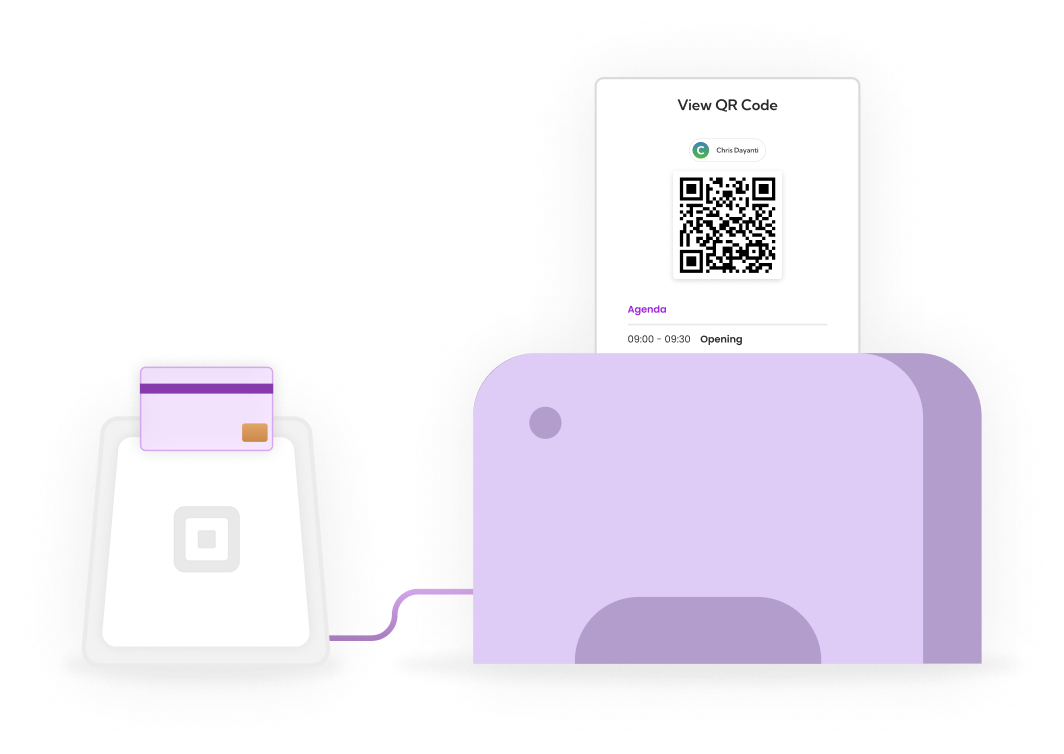
Professional hardware integration
- Install and sign in to Square POS on a supported device
- Confirm reader compatibility and pair the reader in Square
- Configure and test a compatible ticket printer
- Print receipts and QR tickets from the completed order
Streamlined checkout experience
- Fast attendee registration with customizable forms
- Real-time inventory and capacity management
- Email or text tickets using the saved customer contact details
- Same beautiful confirmation page for both card and cash payments
Complete payment flexibility
- Dual payment buttons: Card or Cash-your attendees choose
- All transactions tracked in one unified dashboard
- Verify Square payments before issuing tickets
- Plan allowances and payment processing costs shown separately
- Perfect for events with mixed payment preferences
Plan your first box-office sale
On-site POS ticket sales start on Business. Check plan and attendee allowances, your Square payment rates, and hardware compatibility before launch.
Follow our guide to selling tickets with Square for setup, a complete test sale and recovery steps. Keep an internet connection available for checkout and payment verification.
Comparing providers? Review TicketSpice pricing and fees using the same ticket volume and features.
Frequently asked questions
Select the event and ticket quantities in Ticket Spot POS, then hand the card payment to Square POS. Return to Ticket Spot and confirm the completed order before delivering tickets.
Install Ticket Spot POS and Square POS on a supported device, and pair your supported reader in Square. Confirm device, reader and printer compatibility before purchasing hardware.
Yes. Choose Cash Payment in Ticket Spot POS and complete the sale after collecting the money. Confirm the order before printing or sending tickets.
Ticket Spot POS uses the event's ticket inventory and attendee records. Confirm the selected event, date and remaining quantities before taking payment. Checkout and verification need an internet connection.
After a successful order, use Print Receipt & Tickets, Text Tickets or Email Tickets. A reprint uses the existing order and does not create another admission. Configure and test a compatible printer before the event.
On-site POS ticket sales require Business or higher. Subscription and capacity charges, Square payment processing and hardware costs are separate. See the pricing page for current allowances.
Check the existing Ticket Spot order and Square transaction before charging again. Use the recovery flow to verify the transaction. If only printing failed, reprint the existing order instead of creating another sale.