Ticketing for School Events
A clear booking experience for families and an organized guest list for your event team.
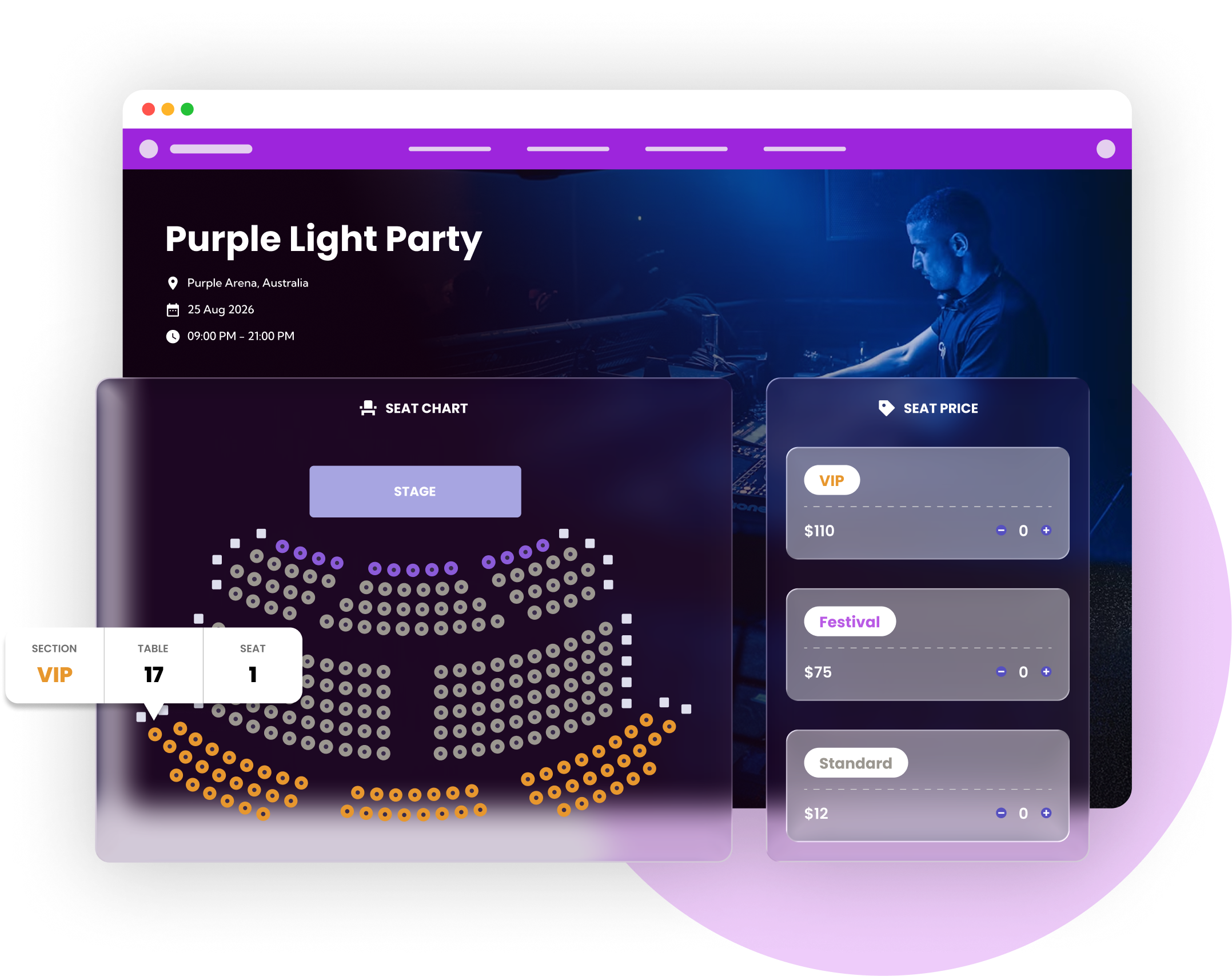
From the first booking to the door
For a school play, music concert or community fundraiser, families need to find the right performance and understand their ticket options. Ticket Spot provides event pages, reserved seats and QR admission. Your team can organize ticket sales without making parents work through an unrelated booking process.
See a walkthrough for your event →Set up your ticket sales
Set out the event details
Publish the performance date, venue, ticket prices and who needs a ticket. Include arrival guidance, accessibility contact details and your cancellation policy. Use clear names for adult, child or concession tickets.
Choose seating or general admission
For a seated production, build the auditorium layout and check seat labels against the room. For a fair or fundraiser, use general admission with a ticket capacity. Keep complimentary admission and any on-the-door sales in your capacity plan.
Prepare the event team
Test one booking and its QR ticket before sharing the link with families. Give your check-in team the access they need and practice searching the guest list. Arrange reliable internet at the entrance; live scanning needs a connection.
Tools for the booking and arrival experience
School play seating
Let families select available seats with an interactive chart. Check reserved-seat allowances as well as attendee capacity when budgeting for multiple performances.
Explore school play seating →Donation ticket options
Use a donation ticket type for a fundraiser and clearly describe what admission includes. Coordinate tax receipts and fundraising requirements with your own school team.
Explore donation ticket options →QR tickets and entry
Send scannable tickets and use the live guest list at the door. Publish a contact route for families who cannot locate their tickets.
Explore qr tickets and entry →A setup example
For a school concert with 180 reserved seats, create the performance, auditorium chart and the ticket types your school needs. A second sold-out performance in the same billing period would bring usage to 360 reserved seats, above Business’s included seat allowance; check a higher plan or Reserved Seating Packs before opening both dates.
This illustrates a possible configuration, not a customer result. Test your own dates, ticket rules and entry process before opening sales.
Budget for your event
Paid tickets start on Professional at $29.99/month, including 500 attendees. Reserved seating starts on Business at $99/month, including 1500 attendees and 250 reserved seats. These are separate monthly allowances. Larger events may need ticket packs, Reserved Seating Packs or a higher plan. Payment processing, taxes and any Shopify subscription are additional.
Check current plans, feature availability and pack prices →Choose your sales channel
Use a hosted event page, embed tickets on your own website, or sell event tickets through Shopify. For Shopify, buyers use your store's cart and checkout; the optional Ticket Selector handles seats and detailed bookings. Test the complete journey on a phone, including delivery of the ticket and the first scan.
Comparing platforms? Read our Eventbrite comparison, Ticket Tailor comparison and TicketSpice fee comparison.
Frequently asked questions
Yes. Interactive seating is available from Business with a separate monthly reserved-seat allowance. Use a chart that matches your auditorium.
Yes. Paid and donation tickets are available on eligible plans. Your school controls the event description, prices and fundraising policies.
This page covers event ticketing and admission. It does not promise student records, parent portals or integration with a school information system.
Yes. Scans validate against the live guest list. Test the entrance connection and show your team how to find a booking by name.