Ticketing for Community Theaters
Let audiences choose their seats, book a performance and arrive with a scannable ticket.
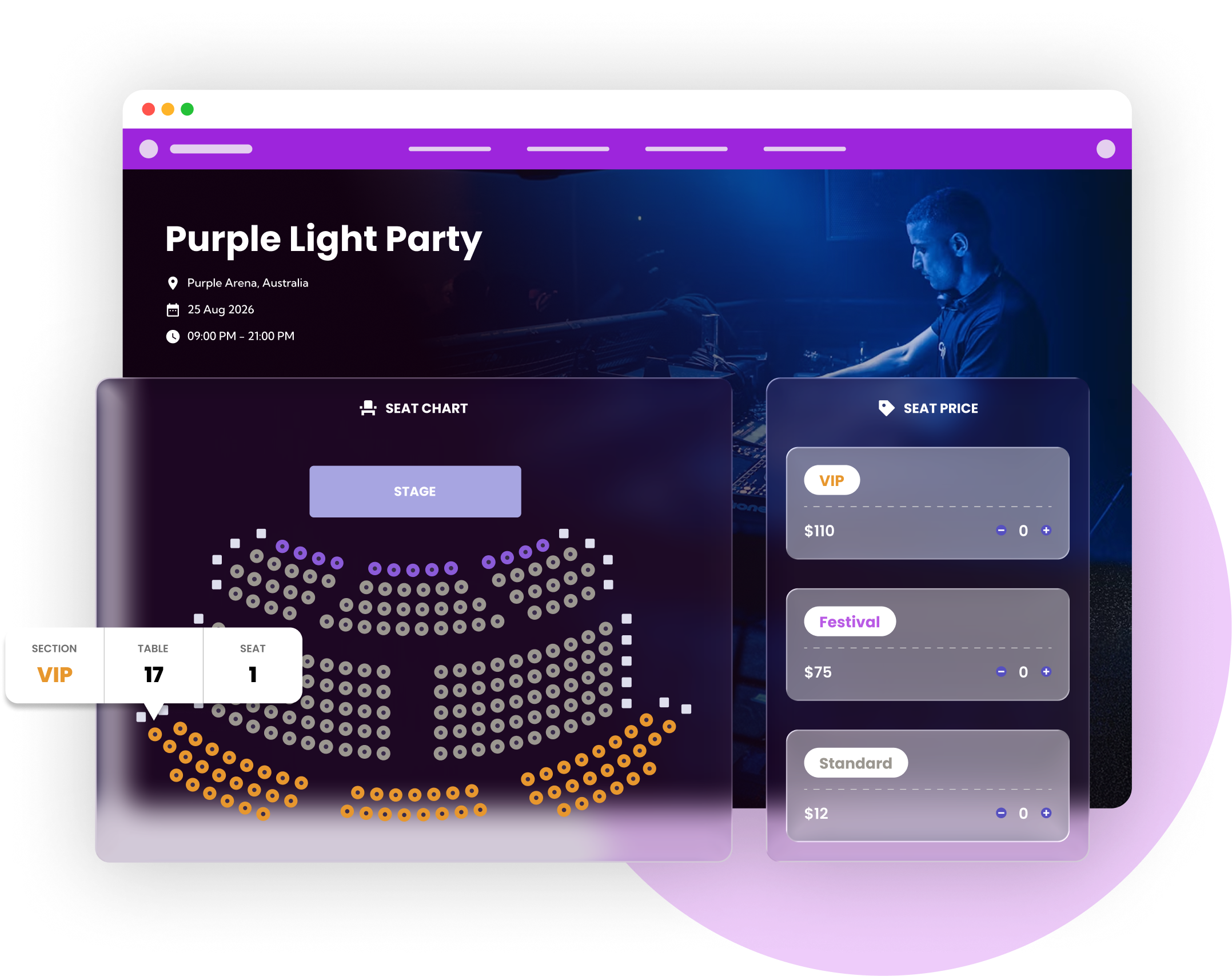
From the first booking to the door
A community production needs a clear seating plan and a reliable door list. Ticket Spot lets your audience buy on your own website, choose available seats and receive QR tickets. It fits theaters, independent productions and performing arts groups that want to manage admission alongside their existing website.
See a walkthrough for your event →Set up your ticket sales
Build the auditorium
Add rows, sections and seat labels to your seating chart. Use seat categories to reflect price differences, and check the view from a phone. Describe accessible seating and your contact arrangements clearly on the event page.
Publish the performances
Create the show dates and ticket types, then attach the seating layout to the relevant event. Check each performance separately so a patron knows which date and seat they are booking. Put exchange and late-arrival policies beside the booking details.
Rehearse ticket delivery and admission
Run a test booking, confirm the seat details on the ticket and scan it with the check-in app. Train front-of-house staff to search the guest list when a buyer cannot find their QR code. Scanning requires an internet connection.
Tools for the booking and arrival experience
Reserved seating
Build rows, tables and sections, assign seat-category prices and let patrons choose available seats. Seating requires an eligible plan and uses a separate seat allowance.
Explore reserved seating →Mobile check-in
Use QR tickets and a live attendee list at the door. Include network coverage, charged devices and a guest-list lookup in your front-of-house rehearsal.
Explore mobile check-in →Ticket options
Create distinct ticket types for the audience groups you admit. Make concession eligibility and what each ticket includes clear before purchase.
Explore ticket options →A setup example
For a 120-seat community play with two performances, configure the dates and seating layouts, then test one booking for each performance. If all 240 seats are sold in one monthly billing period, they fit within Business’s 250-seat allowance, assuming no other reserved-seat sales use that allowance. Additional performances can require extra capacity.
This illustrates a possible configuration, not a customer result. Test your own dates, ticket rules and entry process before opening sales.
Budget for your event
Paid tickets start on Professional at $29.99/month, including 500 attendees. Reserved seating starts on Business at $99/month, including 1500 attendees and 250 reserved seats. These are separate monthly allowances. Larger events may need ticket packs, Reserved Seating Packs or a higher plan. Payment processing, taxes and any Shopify subscription are additional.
Check current plans, feature availability and pack prices →Choose your sales channel
Use a hosted event page, embed tickets on your own website, or sell event tickets through Shopify. For Shopify, buyers use your store's cart and checkout; the optional Ticket Selector handles seats and detailed bookings. Test the complete journey on a phone, including delivery of the ticket and the first scan.
Comparing platforms? Read our Eventbrite comparison, Ticket Tailor comparison and TicketSpice fee comparison.
Frequently asked questions
Yes. Ticket Spot supports interactive seating charts with rows, sections and seat categories. Reserved seating starts on Business; the plan has a monthly seat allowance separate from attendee capacity.
Yes. Configure the performance dates and ticket options, then test booking and admission for each date before publishing. Make the performance date prominent in your event description.
Yes. Embed Ticket Spot on your website or use its Shopify, Wix or WordPress integration. A hosted event page is also available.
This page describes ticket sales, seating and admission. If you need season-seat renewals, subscriptions or a donor CRM, confirm that workflow with us before choosing a plan.