Fitness studios, art workshops, cooking classes, tutoring centers, and training programs all share the same ticketing challenge: recurring events aren't one-time purchases.
A yoga studio doesn't sell a single class — they sell packages of 10. A pottery studio doesn't sell one session — they sell 6-week courses. A tutoring center doesn't sell a single hour — they sell monthly memberships.
Standard ticketing platforms treat every event as standalone. That works for concerts and galas. It fails for classes.
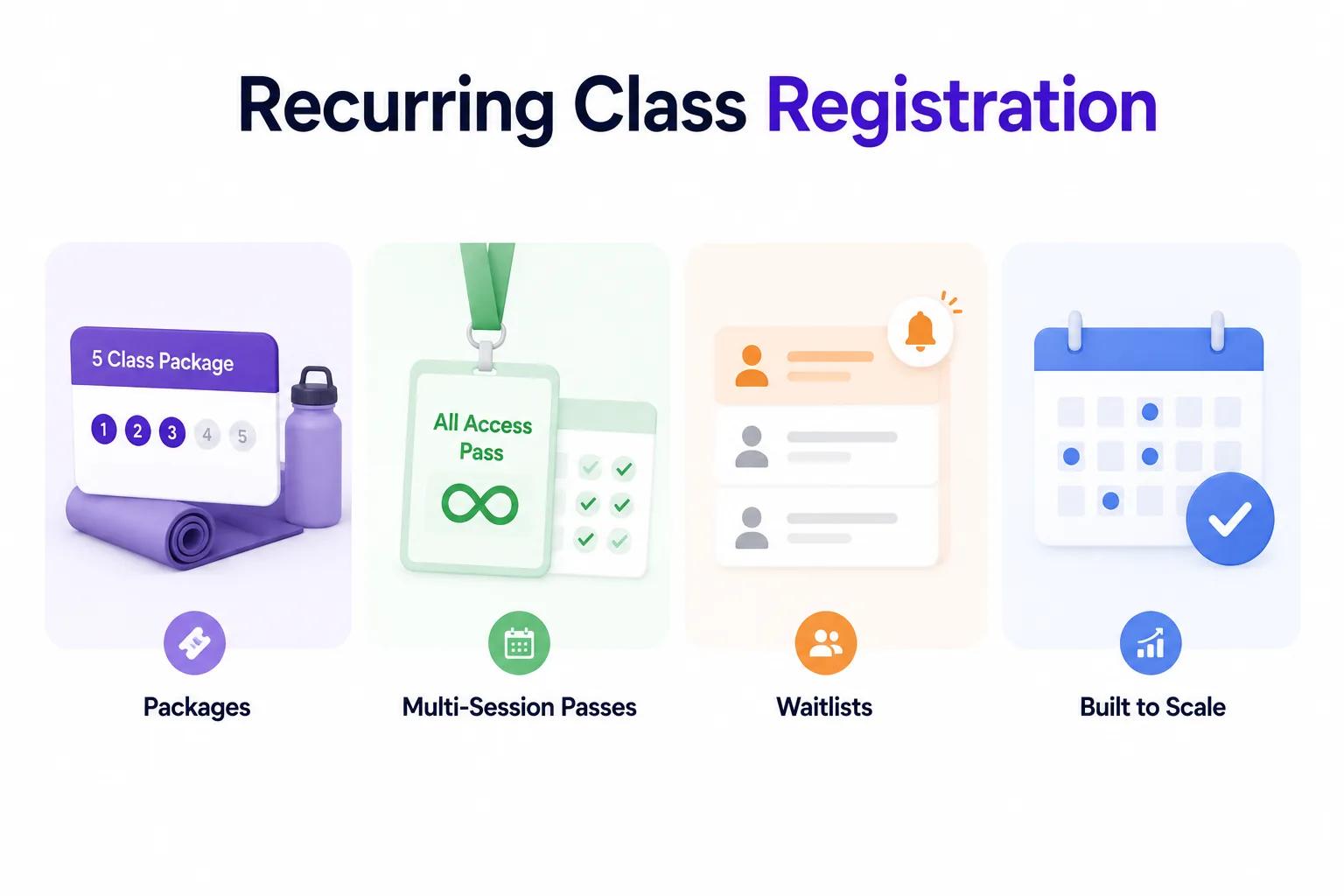
Ticket Spot was built to handle recurring registration properly — with class packages, multi-session passes, waitlists, and capacity management that works across time slots.
The Problem with One-Off Ticketing for Classes
Most ticketing platforms (including Eventbrite) force you into a model designed for single events:
- You create an event → you sell a ticket → it's done
- Want to sell a 10-class pack? Create 10 separate events and hope attendees buy all of them
- Want a monthly pass? Manually track who's bought access
- Want a waitlist? Use a Google Form and email people yourself
This creates operational chaos. Instructors don't know who's showing up. Students lose track of their remaining classes. Waitlists become a manual spreadsheet.
How Ticket Spot Handles Recurring Registration
1. Class Packages
Sell bundles of classes that attendees can use across multiple sessions:
- 10-class pack — Attend any 10 classes within a time period
- 5-session intro — A starter package for new students
- Unlimited monthly — Attend as many classes as you want in a month
- Drop-in — Single class purchase for flexibility
Each package tracks remaining sessions automatically. Attendees see their balance in their ticket portal. Instructors see who has remaining classes on their roster.
Pricing Models That Work
| Package Type | Example Price | Effective Per-Class | Best For |
|---|---|---|---|
| Drop-in | $25 | $25 | First-timers, travelers |
| 5-class pack | $100 | $20 | Commitment-averse beginners |
| 10-class pack | $180 | $18 | Regular students |
| 20-class pack | $300 | $15 | Dedicated attendees |
| Unlimited monthly | $150 | Varies | High-frequency students |
The key insight: packages increase commitment and average revenue per student. A 10-class pack buyer attends 7-8 classes on average. A drop-in buyer attends 1-2. The pack generates 5x more revenue per customer.
2. Multi-Session Passes
For structured courses with a fixed schedule:
- 6-week pottery course — Meets every Tuesday at 6pm
- 4-week writing workshop — Meets every Saturday at 10am
- 8-week fitness challenge — Meets Mon/Wed/Fri at 7am
Ticket Spot treats the course as a single event with multiple sessions. The attendee buys one ticket that covers all dates. No need to register for each session separately.
This works for:
- Art studios offering semester-style courses
- Professional development workshops
- Teacher training programs
- Language classes
- Maker spaces with structured programs
Why This Beats Individual Session Tickets
| Approach | Admin Work | Student Experience | Revenue |
|---|---|---|---|
| Individual sessions | High (manage each separately) | Must register 6-8 times | Lower (drop-offs between sessions) |
| Multi-session pass | Low (one ticket, all sessions) | Register once, attend all | Higher (full payment upfront) |
3. Smart Waitlists
When a class is full, Ticket Spot automatically opens a waitlist:
- Automatic queue — First-come, first-served positioning
- Instant notification — When a spot opens, the next person in line gets an email and SMS
- Time-limited claim — They have X hours to claim the spot before it passes to the next person
- Auto-fill — No manual work required from you or your staff
This is critical for popular classes where capacity is limited. Instead of turning people away, you capture demand and automatically fill cancellations.
Setting Up Recurring Events in Ticket Spot
Step 1: Create Your Event Series
Choose "Recurring Event" when creating a new event. Set your schedule:
- Daily, weekly, or custom recurrence
- Specific dates — Pick individual dates for irregular schedules
- Time slots — Multiple times per day (e.g., 9am, 11am, 1pm)
- End date or number of sessions
Step 2: Configure Ticket Types
Add your packages as ticket types:
- Drop-in (single session)
- 5-class pack (5 sessions)
- 10-class pack (10 sessions)
- Unlimited monthly pass
- Early bird pricing for any type
Set capacity per session and per ticket type.
Step 3: Enable Waitlists
Turn on automatic waitlisting for sold-out sessions. Configure:
- How long attendees have to claim a waitlisted spot
- Whether waitlisted spots require immediate payment
- Auto-notifications via email and SMS
Step 4: Customize Your Registration Page
Apply your branding, add class descriptions, instructor bios, and images. Ticket Spot gives you 23 professional layouts to choose from — or use a white-label design with your own domain.
Industry-Specific Examples
Fitness Studios
A yoga studio offers:
- Drop-in: $25
- 10-class pack: $180 (valid 90 days)
- Unlimited monthly: $149
- Waitlist auto-fills from the 10+ people who want the 6pm Tuesday slot
The studio uses Klaviyo integration to send class reminders and win-back emails when packs expire.
Art Workshops
A pottery studio runs:
- 6-week beginner course: $280 (every Thursday 6-8pm)
- Single glazing workshop: $65 (Saturday drop-in)
- Waitlist for the popular Saturday session
Students who complete the beginner course get automated emails about advanced workshops and add-on sessions.
Continuing Education
A professional training center sells:
- Full certification program: $1,200 (8 sessions over 4 weeks)
- Individual module: $175 (single session)
- Corporate team pack: $4,500 (up to 5 attendees)
The center uses custom domain ticketing so registration happens on their own website, not a third-party platform.
Parks & Recreation
A community center offers:
- Summer camp weekly registration: $150/week
- Season pool pass: $200/family
- Individual class drop-in: $10
The center manages 30+ recurring programs with different schedules, all from one Ticket Spot dashboard.
Managing Capacity Across Sessions
One of the biggest challenges with recurring events is capacity management. Here's how Ticket Spot handles it:
Per-Session Capacity
Set a maximum number of attendees per session. When a session fills up, it shows as "Full" with a waitlist option. Other available sessions remain open for booking.
Package Capacity Tracking
When someone buys a 10-class pack, their attendance is tracked across sessions. They check in via QR code at each class. The system deducts one session from their balance automatically.
Instructor View
Instructors see a real-time roster for each session:
- Who's confirmed
- Who's on the waitlist
- Who has a multi-session pack with remaining classes
- Who checked in at previous sessions
No printed lists. No manual counting. Just scan and go.
Integrations That Power Recurring Programs
Klaviyo for Retention
When a 10-class pack is down to 2 remaining sessions, automatically send a "Time to renew?" email with a link to purchase their next pack. See our Klaviyo integration guide for setup.
Shopify for Product Sales
Sell class packs alongside physical products on your Shopify store. The Ticket Spot Shopify app lets customers add a yoga mat and a 10-class pack in the same checkout.
Square POS for Walk-Ins
Handle in-person drop-ins with Square POS integration. Walk-in payments sync with your Ticket Spot attendee roster automatically.
Pricing for Recurring Events
Ticket Spot's flat pricing is especially advantageous for recurring events:
- Per-ticket platforms charge for every session — A 10-class pack triggers 10 separate ticket fees on Eventbrite
- Ticket Spot charges 0% platform fees — Whether you sell 10 drop-ins or 100 class packs, the monthly rate stays the same
At $99/month (Business plan), a studio selling 200 class registrations per month pays $0.50 per registration in platform costs. On Eventbrite, those same 200 registrations at an average $20/class would cost $1,180+ in fees.
See our fee savings calculator for your specific numbers.
Get Started with Recurring Registration
Stop juggling spreadsheets, Google Forms, and manual waitlists. Ticket Spot handles class packages, multi-session passes, and waitlists automatically.
Questions about class registration setup? Email support@ticketspotapp.com.