Ticket Spot vs Eventbrite: fees, seating and website sales
Choose a ticketing platform around the way your audience buys. If people find your event through Eventbrite, measure the value of that discovery. If they come through your own website, mailing list or Shopify store, look closely at the booking experience and the full cost of delivering tickets.
Compare the current costs
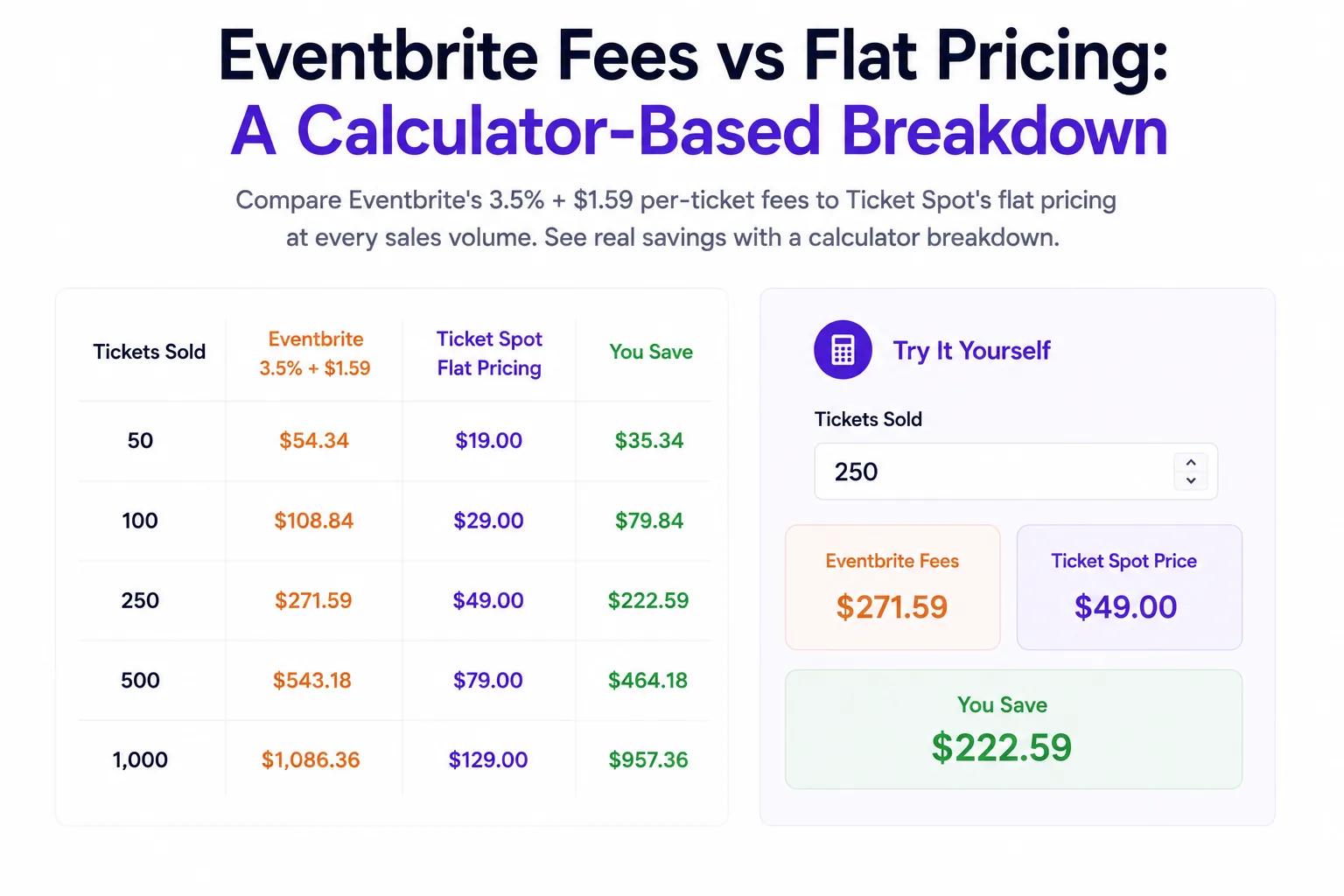
Our Eventbrite comparison and cost calculator shows the current published US service fee, processing exclusions and Ticket Spot's included capacity. It replaces the old revenue-only estimates: gross sales alone cannot tell you the fee without the number of tickets and billing periods.
Ticket Spot Professional is $29.99 per month with 500 attendees. Business is $99 per month with 1,500 attendees and 250 reserved seats. Business+ is $149 per month with 2,500 attendees and 500 reserved seats. Attendee and seat allowances are separate; ticket packs and Reserved Seating Packs can add to the bill. Check current plans and pack prices before budgeting. Processing charges, taxes and any Shopify subscription are additional.
Both platforms offer reserved seating
Eventbrite provides a venue designer and reserved seating. Ticket Spot provides interactive seating charts, including seat categories and pricing. A useful comparison is how a buyer chooses the performance and seat, what the ticket displays and how staff verify admission.
For a local production, follow our community theater workflow. Test one purchase for each performance and make accessibility, late-arrival and exchange information easy to find.
Selling through your own website
Ticket Spot offers Shopify, Wix and WordPress integrations as well as hosted event pages. On Shopify, events become products and buyers pay through your store's checkout. The optional Ticket Selector adds a booking interface for seats, slots and attendee details.
Full white-label mode and custom domains require Business+ or above. Choosing your own branding does not remove payment processing or capacity costs. Review what the selected plan includes before promising a particular setup to your team.
Test a switch before moving a live event
Create one event, buy a test ticket, check its email and scan it with the mobile app. Live check-in needs internet access. Confirm the migration of existing attendee records, ticket barcodes and refunds with support before changing a published booking link. Do not assume tickets issued on one platform will scan on another.
Compare festival ticketing or attraction admission for the details that matter to your event. Then create a Ticket Spot event and test the complete journey.